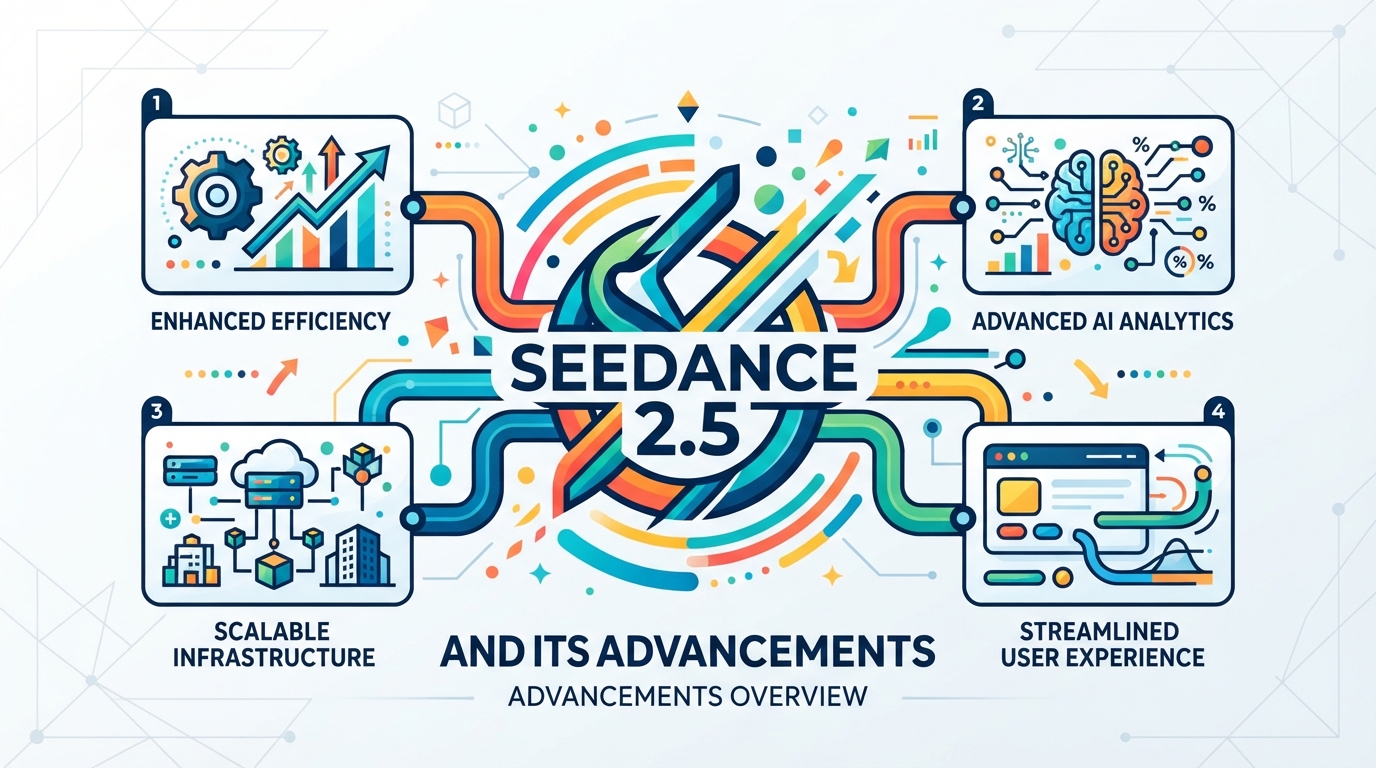
Seedance 2.5 and Its Advancements
Introduction: The Creative Struggle with Inconsistent Generative AI
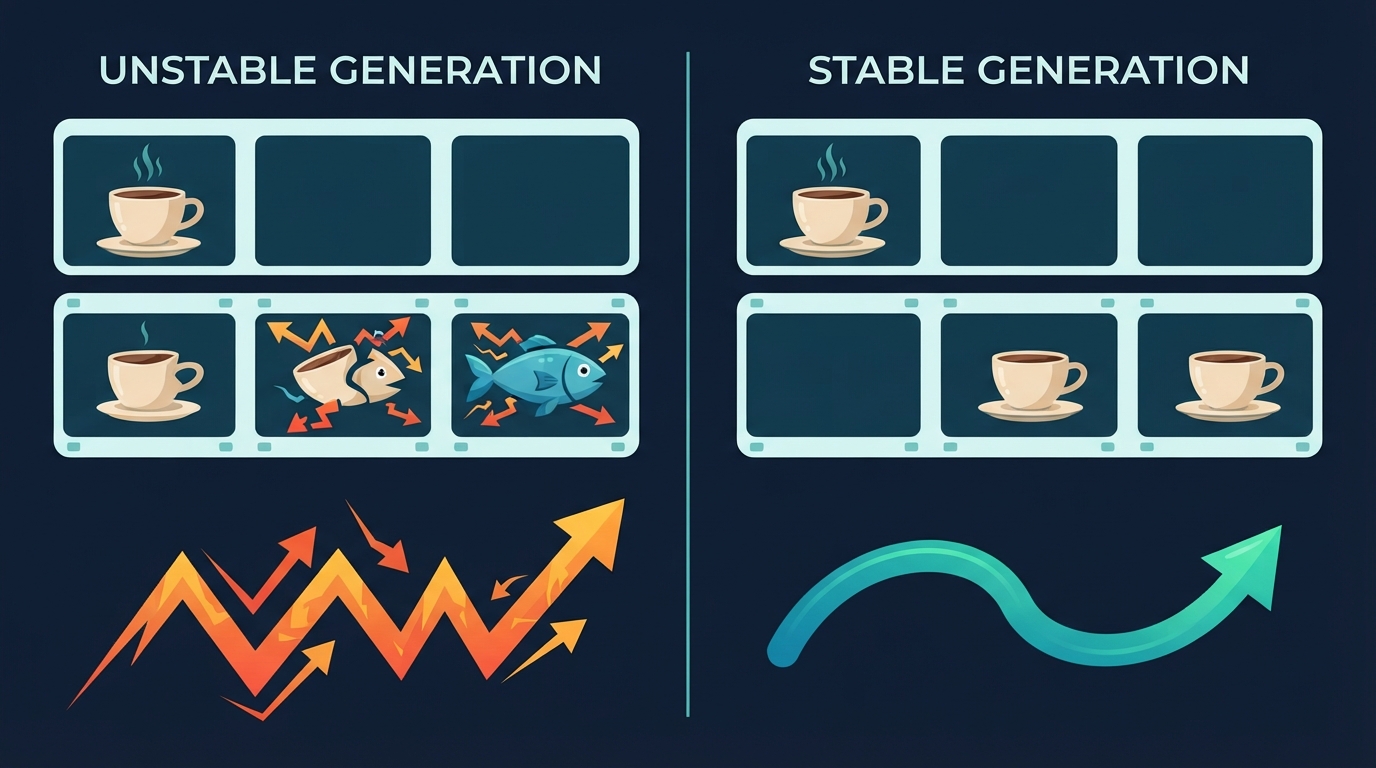
You spent three hours writing the perfect prompt for a simple video of a cup falling. You hit generate, and the cup suddenly turns into a flying fish.
If you have ever tried ai video generation, you know this specific pain.
We often face a massive gap between what we imagine and what the machine creates:
- The Dream: A smooth pan of a coffee cup sitting on a wooden table.
- The Reality: The coffee turns into blue smoke, and the table melts into the floor.
One moment, your character is walking down a street. The next, their legs bend backward like a bird.
It feels like trying to direct a movie where gravity changes every two seconds. This chaos happens because most models do not understand how our physical world works.
ByteDance wants to fix this creative bottleneck with a platform called Dreamina.
At the heart of this tool is Seedance 2.5, their updated video engine.
Instead of guessing what comes next, it tries to understand the rules of weight, light, and movement. It is a quiet shift from random chaos to predictable art.
Core Concepts: Unpacking the Seedance 2.5 and Seed-Video Advancements
How does seedance 2.5 actually do this?
It relies on a new model architecture called seed-video. Think of it as a highly trained director who finally understands physics and camera gear.
Here are the four big upgrades under the hood:
- Temporal Consistency: In older models, a character’s jacket might change color mid-stride. This update acts like a memory anchor. It keeps objects, faces, and clothes stable from the first frame to the last.
- Camera Control: Instead of shaky, random movements, you can now direct the shot. If you ask for a slow pan or a dramatic zoom, the engine mimics real camera lenses.
- Prompt Alignment: The system reads your text like a careful reader, not a distracted toddler. If you ask for “a red balloon in a rainy alley,” it won’t forget the rain or turn the balloon blue.
- Texture Rendering: Surfaces look real. Water shines, skin has pores, and fabric folds naturally. It stops looking like cheap plastic and starts looking like film.
By fixing these four areas, the engine turns messy AI guesses into deliberate, beautiful video.
Case Study: How Marcus Saved Hours of Render Time with Dreamina 2.5
Marcus sat at his desk at 2:00 AM, staring at twelve open browser tabs. As a solo social media manager, his job is to make eye-catching video ads. But his workflow was a messy, expensive jigsaw puzzle.
First, he used midjourney v6 to generate static images. That meant wrestling with complex text prompts in Discord for hours. Then, he imported those images into runway gen-3 to add motion. The subscription costs for both tools were eating his entire monthly profit. Worse, if a render looked slightly off, he had to start the whole cycle over.
Then he tried dreamina. Instead of jumping between different websites, he found everything on one unified canvas. He could generate an image, edit specific parts, and turn it into video in one place.
Here is how his process changed:
- No more app-hopping: He designs, edits, and animates on a single screen.
- Faster fixes: If a character’s jacket looks wrong, he changes it instantly without losing his progress.
- Lower costs: He stopped paying for multiple high-end subscriptions.
Marcus did not suddenly become a Hollywood director overnight. But he did get his sleep back. He cut his rendering time by half and finally stopped dreading his client deadlines.
Practical Lesson: Navigating the Modern AI Video Landscape
Think of the current AI market like a well-stocked kitchen. You do not use a bread knife to peel an apple. Each tool has one job it does better than anything else.
Here is a simple guide to help you choose the right tool for your project:
- Midjourney (The Master Painter): Use this when you need a stunning, high-detail static image. It is still the king of raw visual quality and style.
- Runway Gen-3 (The Hollywood Director): Choose this for complex cinema physics. If you need realistic water splashing, car chases, or dramatic camera sweeps, this is your tool.
- Seedance 2.5 and Dreamina (The Agile Creators): Turn to these for fast-paced social outputs and quick edits. They let you change specific details on a single canvas without starting over.
If you are building a quick social media ad, do not waste time and money on heavy cinematic renders. Use an agile canvas to keep your workflow fast. Save the heavy engines for the big screen.
The 10-Minute Experiment: Test Seedance 2.5 Camera Control Today
The Experiment
The best way to understand a new tool is to play with it. Let us test how Seedance 2.5 handles motion on the dreamina canvas.
You only need ten minutes and a free account to try this.
Here is your step-by-step test:
1. Set the Scene: Open the canvas. Type: “A steaming coffee cup on a wooden table, rainy window behind.”
2. Generate the Base: Create your static image first. This gives the AI a clean starting point.
3. Apply Camera Control: Click on the seed-video option. Locate the camera control panel on your screen.
4. Add the Motion: Set the camera to slowly zoom in while panning right. Keep the motion speed low, around level two.
5. Check the Details: Hit generate and watch the steam. Does the coffee cup stay in place, or does it melt?
Look closely at the rain on the glass. A good model keeps the background steady while the camera moves.
This quick test shows you exactly how well the engine holds a scene together.
Key Takeaways: The Evolution of Agile Video Design
- Consistency is no longer a roll of the dice. Early tools made every frame look different. With seedance 2.5, your characters and backgrounds stay locked in place across every cut.
- From a playground to a serious pipeline. The software, closely tied to dreamina, moves video generation out of the sandbox. It fits right into your daily design workflow instead of forcing you to learn a whole new system.
- Speed replaces heavy rendering. Agile design means trying ten ideas in the time it used to take to render one. You can test camera angles in seconds, which changes how you pitch concepts to clients.
- Control is the new creative freedom. The upgrades in bytedance dreamina show that true creativity needs boundaries. By giving you precise camera steering, the tool lets you direct the AI rather than just wishing for a good result.
We are moving away from the era of happy accidents. The future belongs to creators who can guide the machine with intent.